

The Kitchen Sink
Golden Hour & More Tools
Support
Frequently Asked Questions
How much does Kitchen Sink cost?
Kitchen Sink is free to download and use. All core features—Golden Hour calculator, Blue Hour times, sun position tracking, GPS coverage mapping, and carbon tracking—are included at no cost.
Where is my data stored?
Your data is stored locally on your device. When you use the Carbon Sequestration Tracker’s AI features, your queries are sent to Anthropic for processing but are not permanently stored.
Can I use the app offline?
Yes, most features work offline. Golden hour calculations, Blue Hour times, and sun position data are accessible without internet after your initial location is fetched. The Carbon Tracker’s AI features require an internet connection.
How accurate are the golden hour calculations?
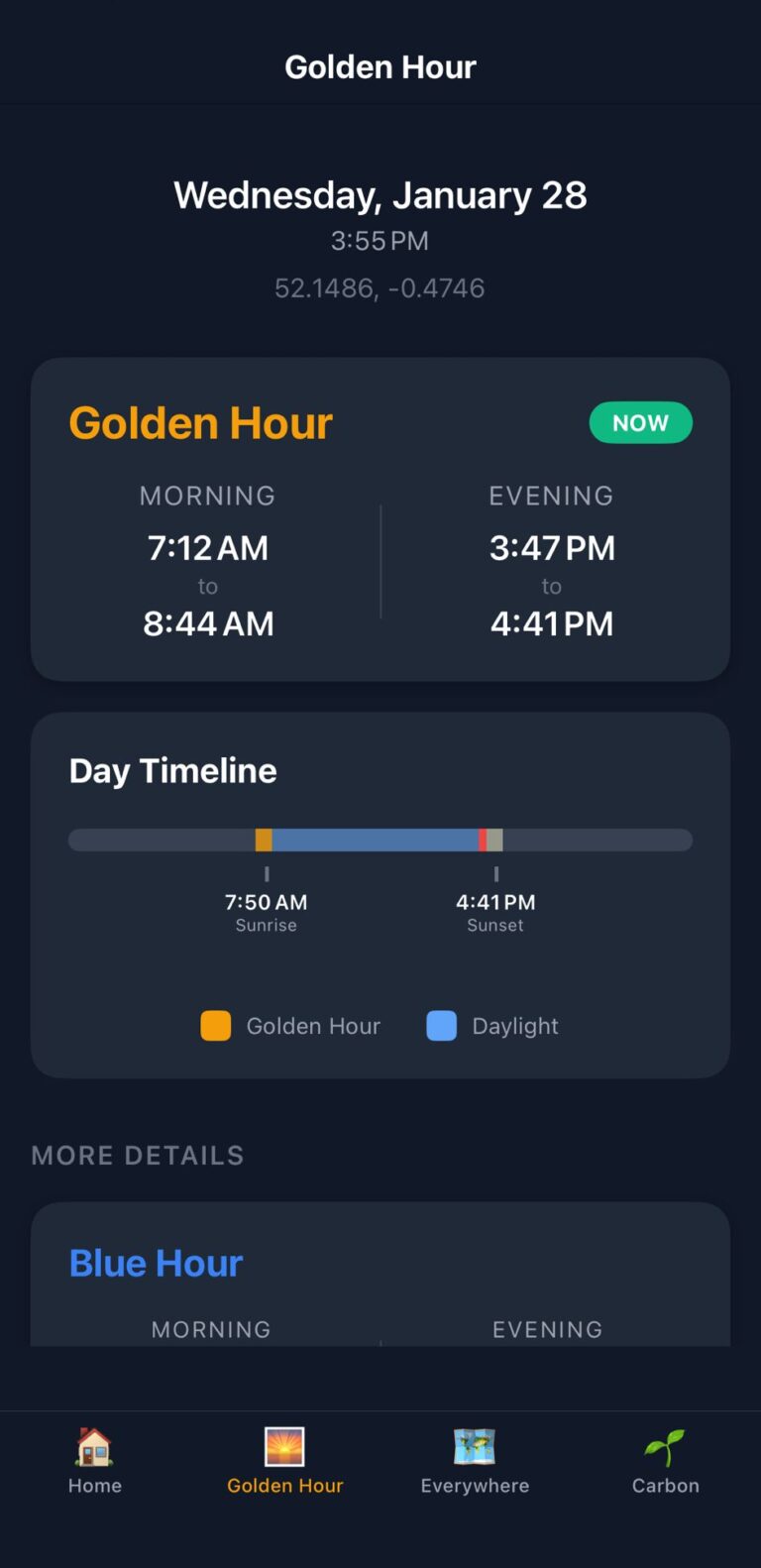
Kitchen Sink uses precise astronomical calculations based on your GPS coordinates to determine golden hour and blue hour times. The calculations account for your exact location and date to provide accurate timing.
How does “Everywhere I’ve Been” work?
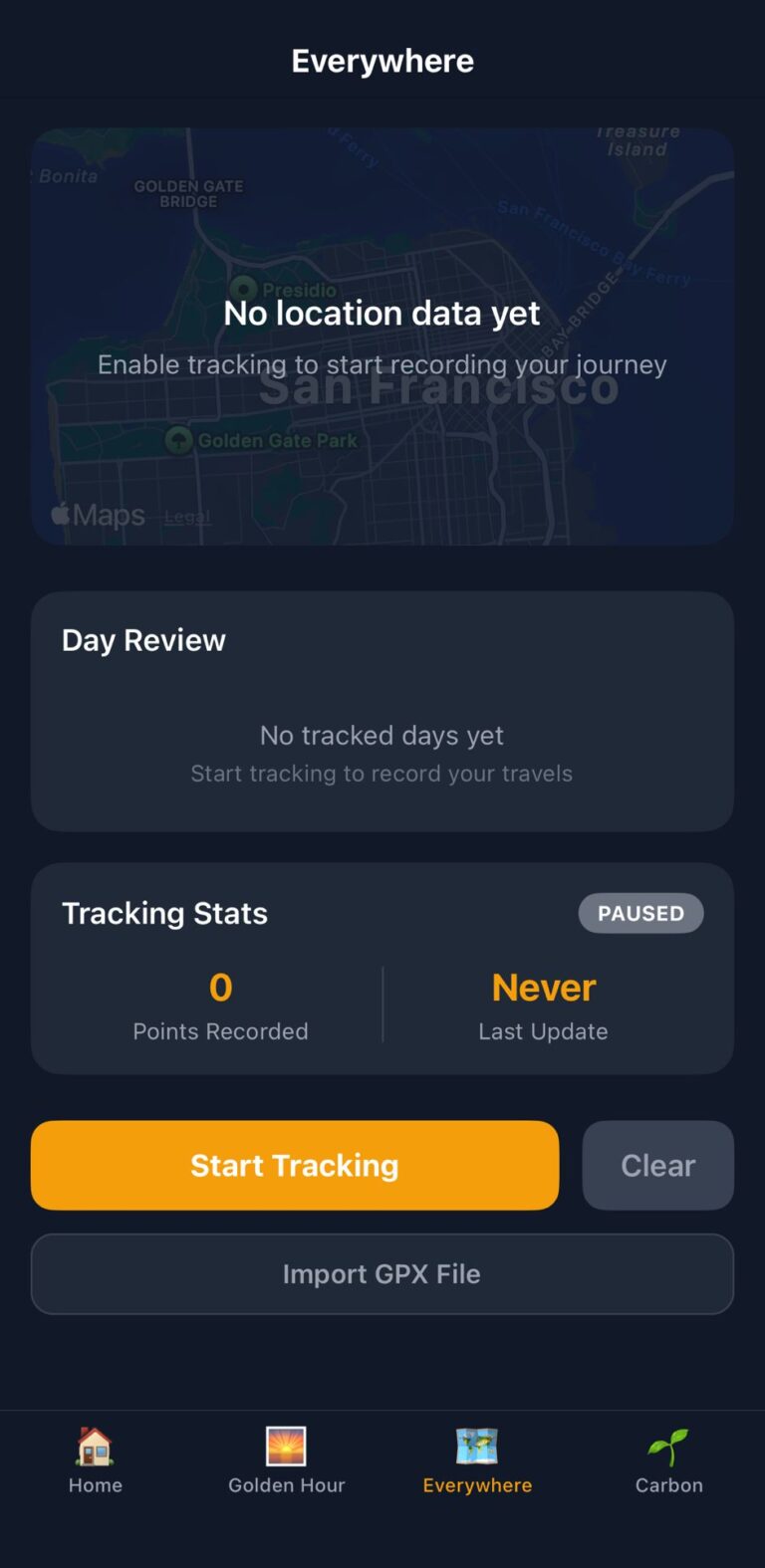
The “Everywhere I’ve Been” feature is completely optional and off by default. When you choose to enable it, the app tracks your GPS location in the background to create a map visualization of where you’ve travelled. All GPS data is stored locally on your device only and is never sent to any server or third party. You can disable background tracking at any time and delete your location history whenever you want.
Does the app track my location continuously?
The “Everywhere I’ve Been” feature can track your location in the background IF you choose to enable it. This feature is completely optional and off by default. When enabled, all location data is stored locally on your device and is never sent to any server.
The Golden Hour feature only uses your location when you open the app to calculate sun and moon times—it does not track in the background.
What iOS version do I need?
Kitchen Sink requires iOS 15.0 or later. Works on iPhone and iPad.
How does the Carbon Tracker work?
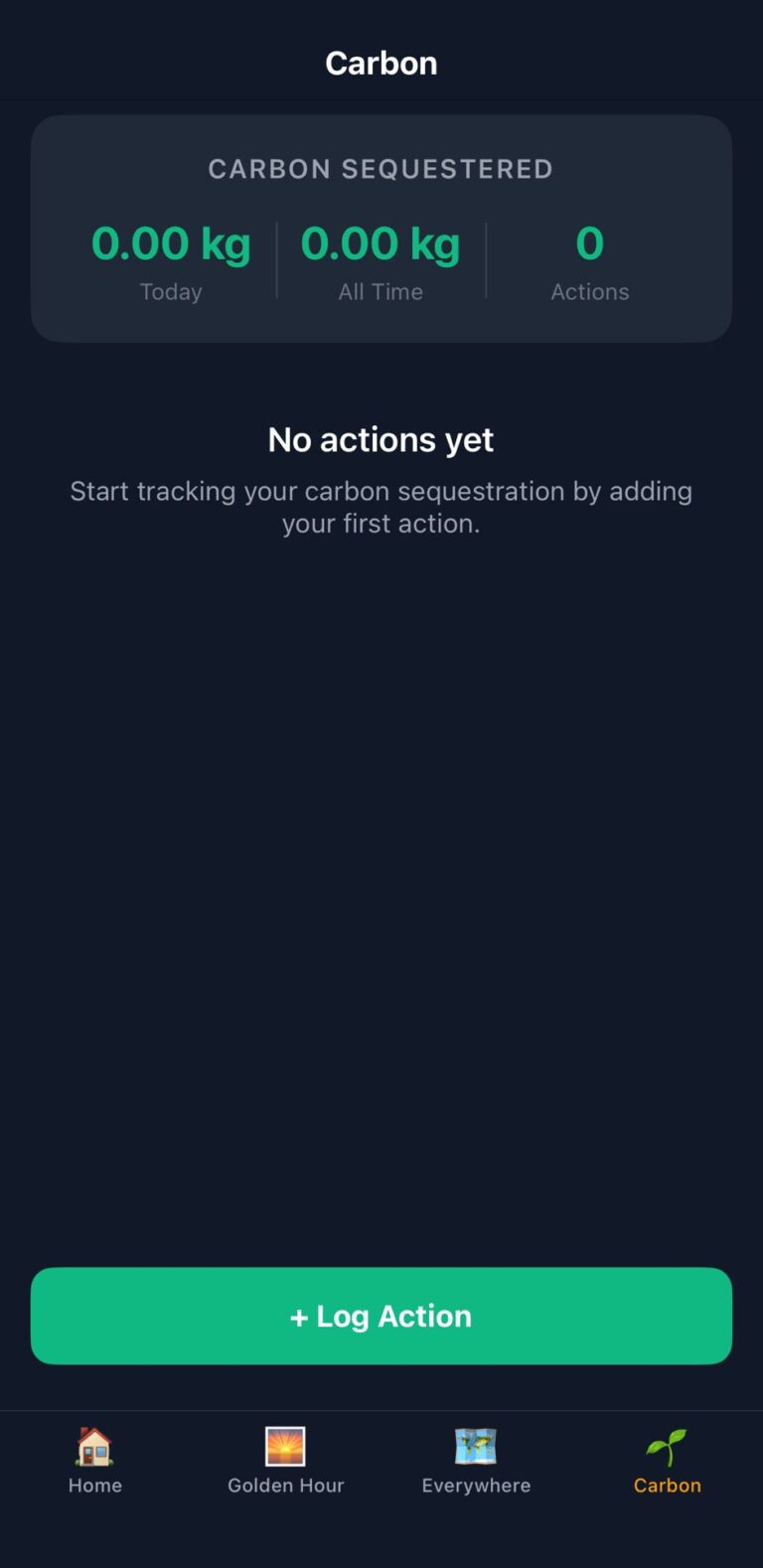
The Carbon Sequestration Tracker uses AI technology to interpret your natural language descriptions of actions (like “composted kitchen scraps” or “planted three oak trees”), ask clarifying questions when needed, and calculate the CO2 equivalent impact. The AI distinguishes between actions that prevent emissions and those that actively sequester carbon from the atmosphere.
Does the Carbon Tracker use AI?
Yes. The Carbon Sequestration Tracker uses generative AI technology provided by Anthropic to interpret your action descriptions and calculate carbon impact. When you use this feature, your descriptions and responses are sent to Anthropic for processing. The AI is essential to the tracker’s functionality—it’s what enables natural language input and accurate carbon calculations. Your data is not stored or used to train AI systems.
Will my data sync across devices?
Currently, data stays on each device and doesn’t sync automatically between devices.
Need Help?
Contact us at:
Privacy Policy
Last updated: January 2026
Overview
Kitchen Sink stores your data locally on your device. We don’t collect, sell, or have access to your personal data. However, when you use the Carbon Sequestration Tracker’s AI features, some data is sent to Anthropic (the AI provider) for processing.
Data Storage
All your saved locations, GPS coverage data, and carbon tracking logs are stored locally on your device. We have no servers collecting your personal information, and we don’t track your usage with analytics.
Carbon Sequestration Tracker (Optional Feature)
Kitchen Sink includes an optional Carbon Sequestration Tracker that helps you measure the environmental impact of your daily actions. This feature uses AI technology provided by Anthropic to interpret your activities and calculate their carbon impact.
When you use the Carbon Tracker, the following data is sent to Anthropic:
- Your action descriptions: What you describe in natural language (e.g., “composted kitchen scraps,” “planted oak trees”)
- Your responses: Answers to clarifying questions the AI asks
- Tracking history: Relevant portions of your carbon log may be included to provide personalized calculations
Important: The Carbon Tracker is completely optional. If you choose not to use this feature, no data is sent to external services. Your location data and other app features remain entirely local on your device.
Data retention: Data sent to Anthropic for AI processing is not stored or used to train AI models. Anthropic processes your requests and discards the data. See Anthropic’s privacy policy at anthropic.com/privacy for details.
What We Don’t Collect
We don’t collect:
- Email addresses or account information (the app doesn’t require accounts)
- Continuous location tracking or background location data
- Usage analytics or tracking data
- Device identifiers or advertising IDs
- Payment information
Location Access
Kitchen Sink uses location data in two ways:
Golden Hour & Sun Position Calculations: The app requests location access to calculate accurate golden hour, blue hour, and sun position times. Your location is only accessed when you open the app and is not tracked in the background for these features.
Everywhere I’ve Been (Optional Background GPS Tracking): This feature is completely optional and off by default. When you choose to enable it, the app tracks your GPS location in the background to create a map visualization of where you’ve travelled. All GPS tracking data is stored locally on your device only and is never sent to any server or third party. You can disable background tracking at any time and delete your location history.
Children’s Privacy
Kitchen Sink is suitable for users of all ages. We don’t knowingly collect personal information from children. AI features follow the same privacy practices regardless of user age.
Your Control
You have complete control over when AI features are used. Each carbon impact calculation is initiated by you. If you choose not to use AI features, no data is sent to external services. Your data remains entirely local.
Changes to This Policy
If we change how Kitchen Sink handles data, we’ll update this policy and notify you through an app update.
Contact
Questions about privacy? Contact us at contact-us@roverengineering.co.uk